The listener opens your station app for the four o'clock match and the automatic scoreboard is blank. The stream is up. The studio message you queued never showed on the phone.
I think stations treat the app like a poster they hung on launch day. What keeps someone after they hit play is whatever else is on that screen. A chunk of it is not yours.
The AppRadio.pro homepage says it in the fine print: news, horoscope, Bible passages, football and other automatic modules come from outside partners and "may be modified or even interrupted at any time without notice." People who disagree call that an extra. Extra until the extra was why they opened the app.
What can vanish without you touching the encoder
The same homepage lists what the app shows besides audio: news, weather, calendar, horoscope, lottery, jokes, Bible, lyrics, football, TV guide. The partner notice names four of those (news, horoscope, Bible, football) and sweeps the rest under "other automatic content." I am not going to pretend the weather widget is a licensed product of the station. If it sits in that list, treat it as something that can go dark.
This is not your license. It is not Icecast dropping. It is a third-party feed. When it stops, the play button still works. The screen the listener tied to your brand does not.
What you actually send is the audio and the song title, as in the metadata post. Everything else, if nobody in the building wrote it, somebody outside can switch off.
A notification is not a street PA
The AppRadio.pro features page talks about custom messages to listeners about shows, promotions and events. The operating system did not sign that copy.
On Android 13 (API 33) there is a runtime permission, POST_NOTIFICATIONS, for non-exempt notifications. A newly installed app on that system starts with notifications off. The dialog offers allow, don't allow, or the listener swipes away without choosing. If they tap don't allow, the app cannot send, unless it qualifies for an exemption. Channels stay blocked. Same effect as turning every notification off in system settings.
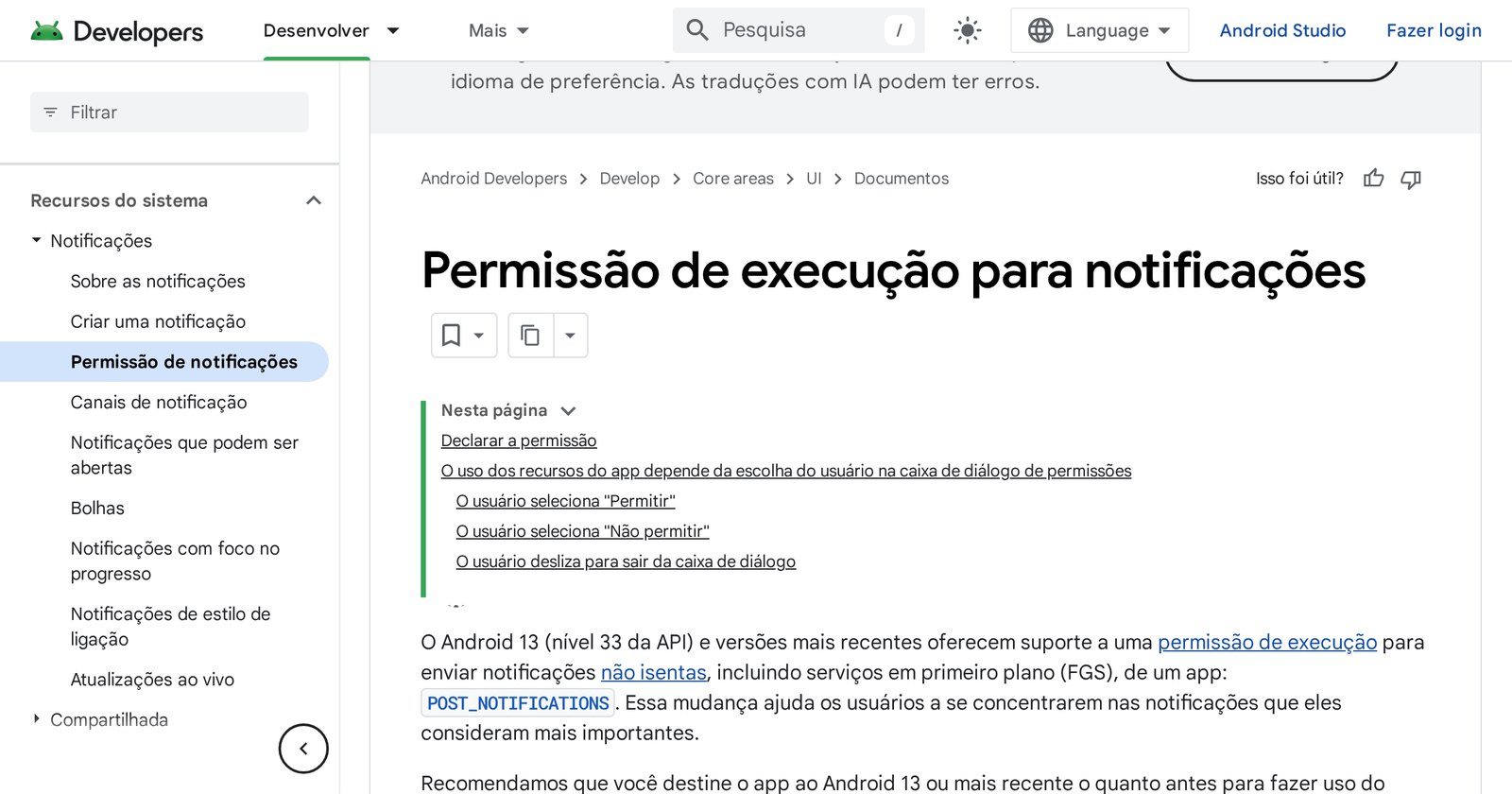
The docs also trap old target SDKs. If the app still targets 12L (API 32) or earlier and the listener taps "Don't allow" once, the prompt does not come back until they uninstall or you retarget Android 13.
On iOS the archived Apple guide is just as blunt: the app needs authorization to show an alert, play a sound or badge the icon. The user grants it, denies it, and can change it later in Settings.
Firebase Cloud Messaging is the pipe in the middle: a notification message or a data message, to one device, a group, or a topic. Instant-message payloads top out at 4096 bytes. That is not the studio yelling into a pocket. It is a server talking to Google or Apple, which talk to the phone, if the phone said yes.
Try it on an Android 13 handset that is not the studio Wi-Fi. If the 11 a.m. promo never arrived, look at the permission before you blame the CMS.
A banner that looks like a system alert
The same features page talks about in-app banners and ads with campaign tools. Google Play's ads policy treats those ads as part of the app. They have to follow the rest of the rules. An ad cannot mimic a system warning or notification. It has to be obvious which app is serving it. Ads that pop in a way that causes accidental taps, or that get in the way of using the device, Play calls intrusive and forbids.
If your station banner looks like an Android alert, the store can read that as a deceptive ad. So can the listener.
Monday, on a phone that is not yours
Open the station app on a borrowed Android 13 with a fresh account. Does play work? Is the track title on the lock-screen card? Horoscope, scores, automatic news: filled in or empty? Did the show reminder arrive? If it did not, is the permission on?
Do not sell a partner widget as a station program. If the automatic football module dies, the newsroom still has to be on the air. Having the station on phone, tablet, TV, CarPlay and Alexa does not underwrite a third-party feed or the system's Allow box.
If the app is already in the stores and nobody can find it, that is a different filter: the search post. This one starts after they already installed you.